Delta Force Audio Settings Guide: Footsteps & EQ
Master Delta Force audio configuration. Boost quiet footstep frequencies, balance spatial sound, and tune dynamic range for competitive awareness.
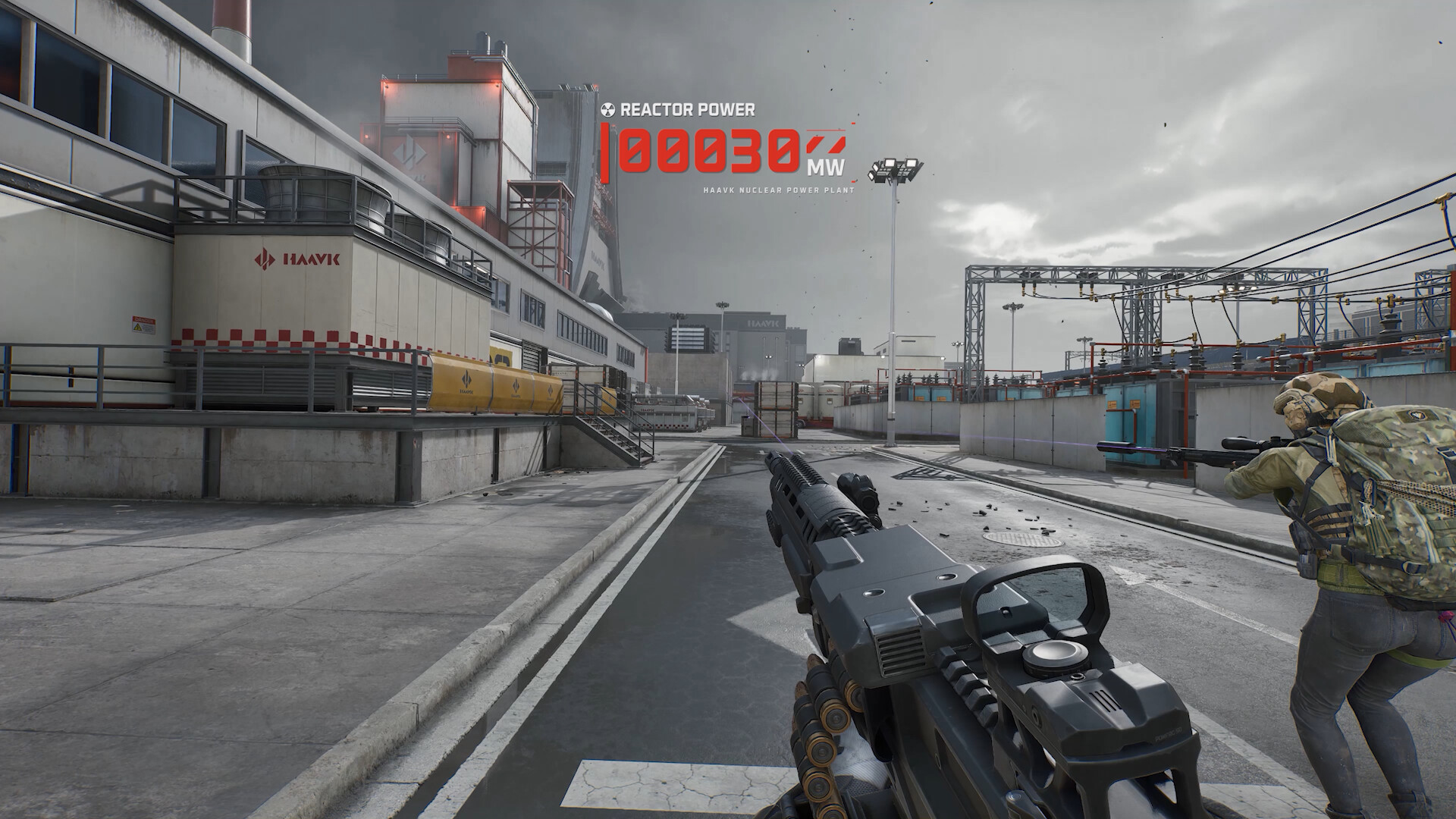
For competitive spatial audio in Delta Force, select the 'Headphones' sound preset with 'Night Mode' or 'Low Dynamic Range' enabled. This applies automatic audio compression, lowering ear-splitting vehicle and artillery sounds while raising the volume of enemy footsteps and door breaches. Boost equalizer bands around 250Hz and 2kHz for distinct gravel and floorboard cues.
Audio intelligence in tactical shooters dictates survival. In Delta Force, distinguishing between a teammate sprinting across a metal catwalk and an enemy flanking through brush is the difference between securing an extraction or losing high-tier gear.
Unreal Engine 5 produces rich environmental reverberation, but the default audio balance favors theatrical immersion: deafening airstrikes, roaring tank engines, and thunderous grenade concussions mask critical tactical audio cues. This guide details how to configure in-game audio and external equalization curves to prioritize movement cues and directional awareness.
Recommended In-Game Sound Configuration
Open the Delta Force audio menu and calibrate your parameters using this baseline:
| Audio Option | Recommended Setting | Tactical Advantage |
|---|---|---|
| Master Volume | 80% to 100% | Maximizes overall dynamic detail from the Windows audio mixer |
| Sound Mix Profile | Headphones / Midnight Mode | Compresses high spikes and amplifies quiet environmental movements |
| Sound Effects (SFX) | 100% | Keeps bullet cracks, footfalls, and zip-line clicks at full loudness |
| Dialogue / Voice Lines | 45% to 55% | Lowers operator shout chatter while preserving callouts for enemy pinpoints |
| Music Volume | 0% | Completely eliminates lobby and combat tension music during matches |
| Hitmarker Audio | Classic / Crisp | Gives immediate acoustic confirmation of landed projectile impacts |
| Spatial 3D Audio | Enabled (Stereo Binaural) | Enables HRTF calculation for accurate vertical elevation tracking |
| Voice Chat Output | 65% to 75% | Balances squad Discord or team voice without drowning out footsteps |
Understanding Dynamic Range and Compression
Delta Force features distinct mix presets that govern the decibel spread between the quietest sound (crouch walking on carpet) and the loudest sound (a 120mm tank shell detonating 10 meters away).
1. Studio Reference / High Dynamic Range
This profile reproduces real-world acoustic dynamics. An explosion reaches 100 dB, while footsteps register at 35 dB. To hear the footstep clearly, you must turn your headphone volume up, but doing so risks hearing fatigue when gunfire erupts.
2. Night Mode / Low Dynamic Range (Competitive Standard)
This setting narrows the gap. Explosions and jet engines are capped at a lower threshold, while quiet sounds are lifted into clear audibility. Footsteps on sand, wood, and metal remain audible even during sustained firefights.
Custom Equalizer (EQ) Frequency Tuning
If you utilize headphone software such as SteelSeries Sonar, Peace Equalizer APO, or manufacturer sound suites, apply a parametric EQ curve targeting key movement bands:
Frequency Curve Target:
  • 60 Hz   : -2 dB   (Cuts sub-bass rumble from idle vehicles)
  • 125 Hz  : -1 dB   (Clears ambient wind and drone low-end mud)
  • 250 Hz  : +3.5 dB (Enhances heavy boot thuds on concrete and tile)
  • 500 Hz  : 0 dB    (Neutral vocal balance)
  • 1000 Hz : +1.5 dB (Sharpens reload audio and weapon cocking clicks)
  • 2500 Hz : +4.0 dB (Directly amplifies boot sole gravel scuffs and grass rustling)
  • 4000 Hz : +3.0 dB (Enhances zipper pulls, pin pulling, and optic toggle clicks)
  • 8000 Hz : -1.5 dB (Smooths harsh high-frequency bullet sizzle)
Directional Awareness and Vertical Cue Detection
In complex multi-level facilities like the Zero Dam turbine hall or Space City launch gantries, pinpointing whether an enemy is above or below you requires recognizing acoustic filtering:
- Occlusion Filtering (Muffled Sound): When an enemy walks behind a concrete wall or one floor above you, high frequencies (above 3kHz) are aggressively dampened. If you hear a muffled, hollow thud, the enemy is obscured behind cover or on another level.
- Direct Line of Sight (Bright Audio): If an enemy footstep features sharp high-end clatter, there is direct line of sight between your positions, warning you of an imminent doorway or corner push.
- Turn Your Camera Slightly: Human binaural hearing struggles to separate sounds directly in front (12 o’clock) from sounds directly behind (6 o’clock). Quick micro-flicks of your mouse (5 to 10 degrees) shift the sound to your left or right ear cup, instantly clarifying directional origin.
Audio Calibration Protocol
Before deploying into high-stakes Hazard Operations, verify your setup:
- Plug headphones directly into a dedicated DAC/AMP or your motherboard rear audio jack rather than front-panel case ports to minimize electrical static.
- Disable spatial sound enhancers in Windows (turn off Windows Sonic for Headphones) if using the game’s internal 3D audio engine to avoid double-processing phase issues.
- Drop into a training ground match, fire your primary weapon against a concrete barrier, and confirm that the muzzle report does not cause physical ear discomfort while footfalls remain distinct.
Frequently Asked Questions
Why does Night Mode make footsteps easier to hear?
Night Mode compresses dynamic audio range. It reduces the peak loudness of heavy explosions and gunshots while amplifying low-amplitude environmental sounds like footsteps, weapon reloads, and equipment swaps.
Should I enable Windows Sonic or Dolby Atmos with Delta Force?
If you use high-quality stereo headphones, keeping in-game 3D spatial audio enabled while disabling external Windows virtual surround sound usually provides cleaner stereo phase imaging and less directional distortion.
What frequency range corresponds to enemy movement in Delta Force?
Footstep scuffs on concrete and dirt reside between 150Hz and 400Hz (low thud), while tactical sprint footwear friction and gravel clatter spike between 2kHz and 4.5kHz.